Guide
Architecture Deep Dive
PDF Guide with inventory concepts and code walkthrough.
The inventory system is designed to be flexible and reusable for different types of slot-based inventory mechanisms. It solves a lot of common, and architectural challenges to make it easier to focus on gameplay-level functionality and integration rather than having to solve foundational inventory basics.
Inventory System v1.x
The first version (v1.x) established the feature set and architecture. It was largely developed during Godot 4.0 - 4.3 and focuses a diverse set of inventory-related features.
It includes a PDF guide with over 500 pages that explore inventory concepts, walk through the code, include experimental and exploratory features, and advanced programming tips and techniques.
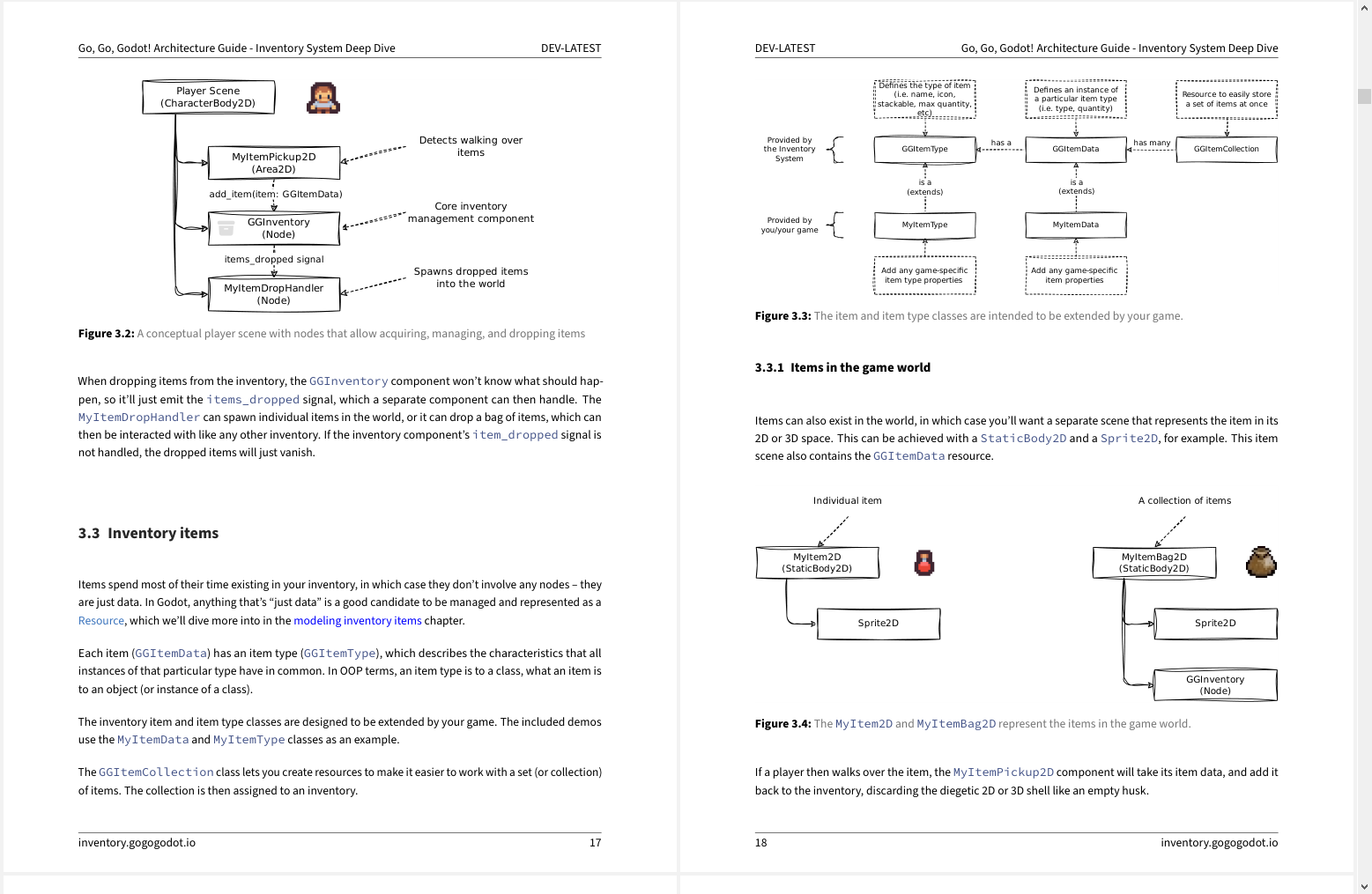
It was specifically written for developers who want to immersive themselves deep in the inventory system subject matter and take their Godot and GDScript skills to the next level.
Here's the table of contents of the PDF guide.
Inventory System v2.x
The second version (v2.x) of the inventory system continues to build on the foundation established in the first version. It is more heavily focused on refinements: More consistent, semantic naming conventions, and improved ease of use. Instead of a separate PDF guide, it features more built-in documentation for a more integrated developer experience.
In addition, it includes more Godot editor integration:
- The new Item Library bottom panel lets developers and designers more easily manage the inventory items.
This includes a
.csvfile import feature for games that manage their inventories using spreadsheets. - The new crafting recipe editor lets designers visually assemble crafting recipes for use with the
GGCraftingcomponent. In a nutshell: The feature set hasn't grown much (yet), but it has been refined to provide an overall smoother developer experience.
The goal is to provide quicker, scalable solutions to challenges that developers face when implementing inventory-related features.